How do I get SafeSide Events to show in my time zone?
Follow these steps to make sure events on our REGISTER - SafeSide Events space are shown in your time zone.
Set your time zone in your Community of Practice Profile
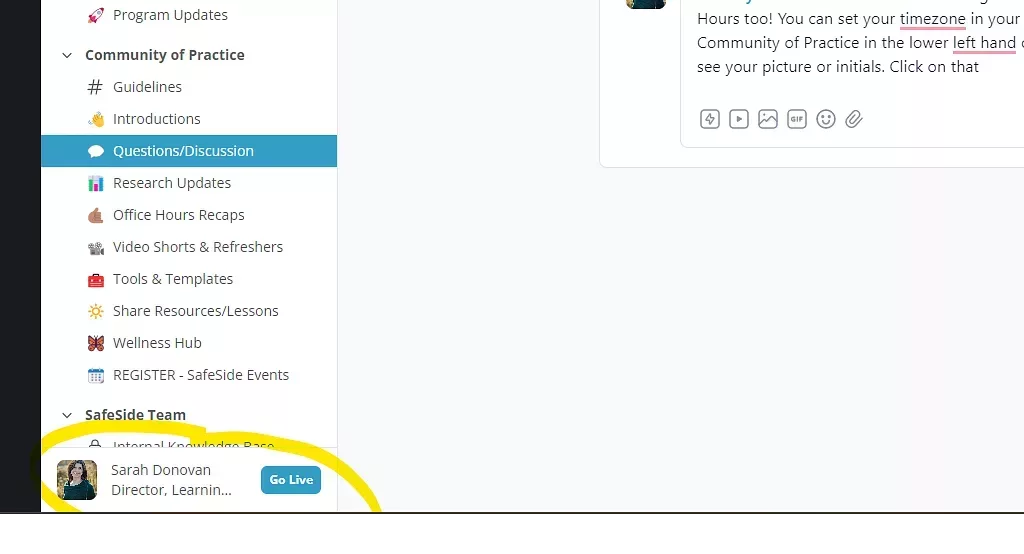
1) From the Community of Practice in the lower left-hand corner of your screen you'll see your picture or initials. Click on that.
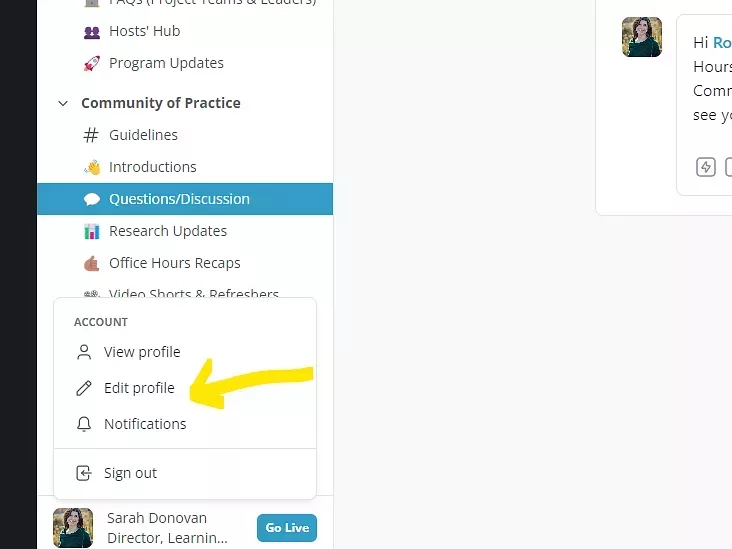
2) From there click edit profile.
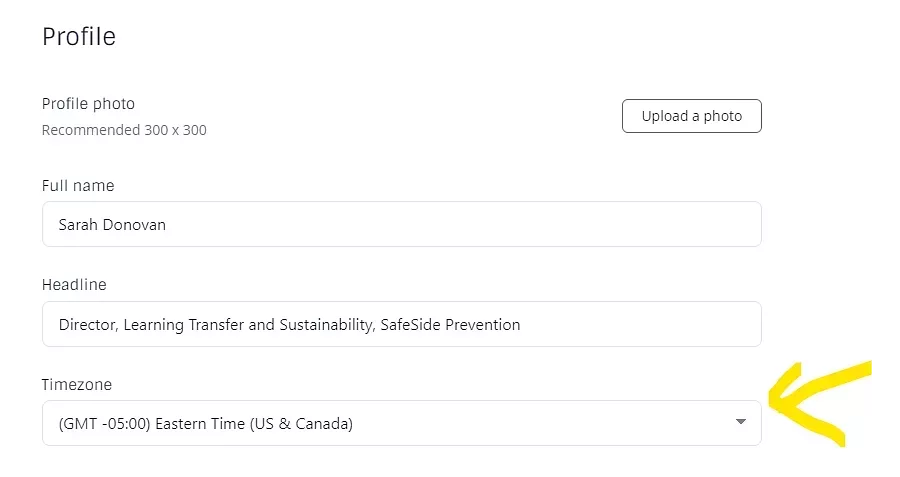
3) In the window that opens you'll see a Timezone dropdown. Just pick yours!